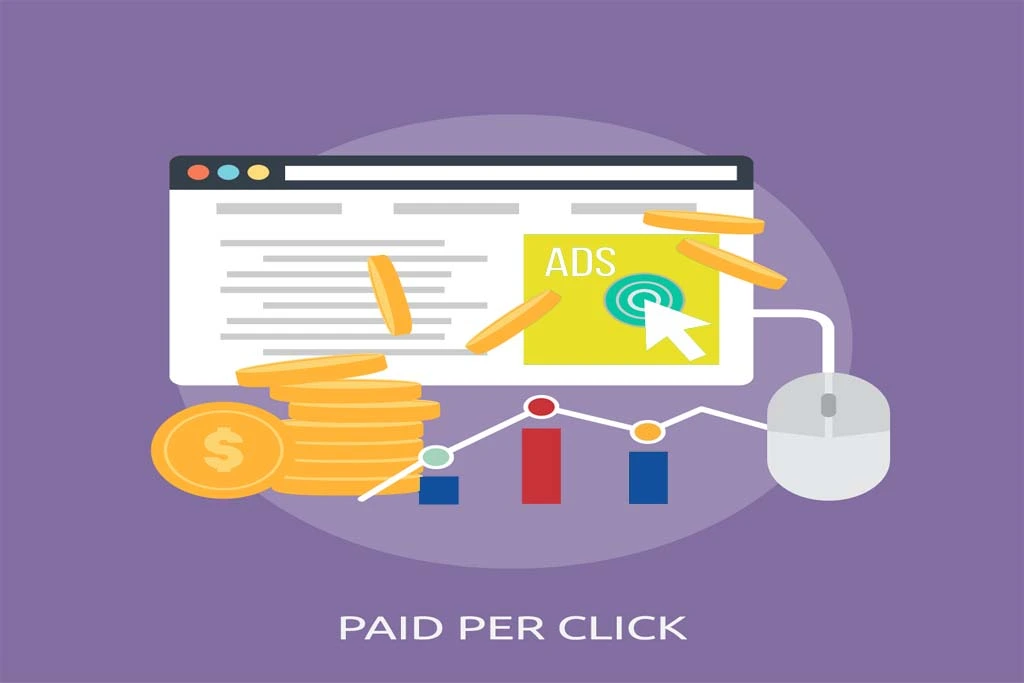
Google Ads is one of the most effective online advertising platforms for reaching potential customers and driving conversions. Whether you’re promoting a product, service, or website, setting up a Google Ads campaign properly ensures your budget is used efficiently. Here’s a step-by-step guide to help you get started with your first campaign.
1. Create a Google Ads Account
If you don’t have one, you’ll need to create it first. Once you’re in, Google will guide you through some initial steps, such as defining your main advertising goal—getting more website visitors, calls, or physical store visits.
2. Choose Your Campaign Goal and Type
After account setup, the next step is choosing a goal for your campaign. Common goals include Sales, Leads, Website Traffic, or Brand Awareness. Depending on the goal, Google will recommend a suitable campaign type such as Search (text ads on Google search), Display (image ads on websites), Video (YouTube ads), Shopping (for eCommerce), or Performance Max (automated across all channels). For beginners, Search or Display campaigns are a good starting point.
3. Define Your Campaign Settings
Name your campaign clearly so you can recognize it later. Then set up the network preferences—whether you want your ads to appear on the Google Search Network, Display Network, or both. It’s generally advised to focus on the Search Network when starting, as it’s more intent-driven.
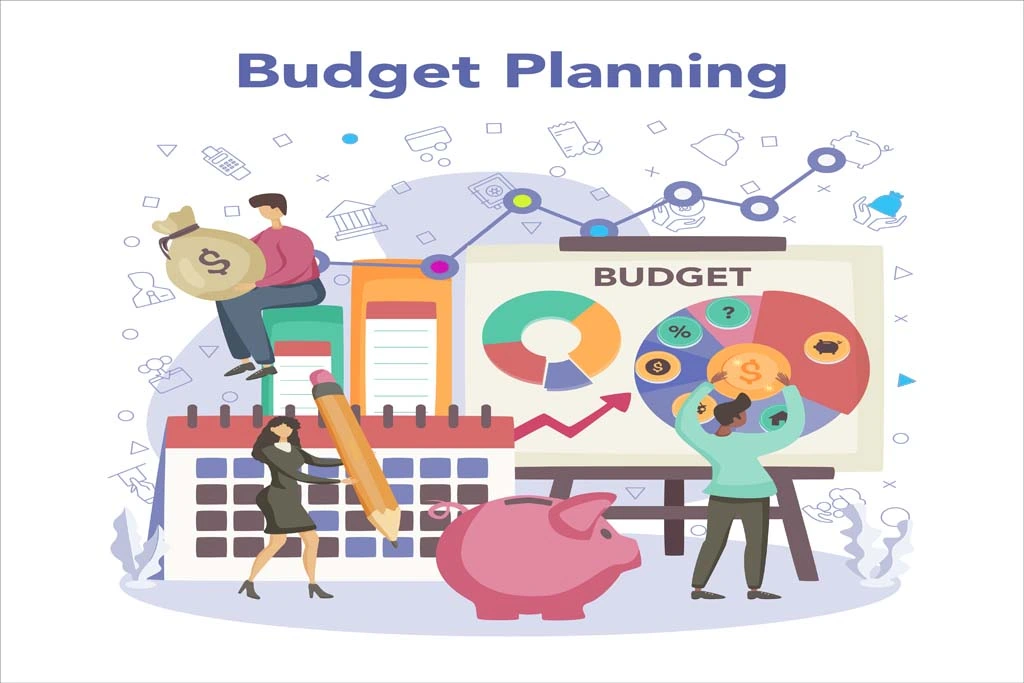
4. Set Your Budget and Bidding Strategy
Determine how much you want to spend daily. Next, select a bidding strategy. However, you can also choose manual bidding if you want more control over your cost-per-click (CPC).
5. Define Your Target Audience
Set your geographic location to target users in specific cities, regions, or countries. You can also choose language preferences depending on your target audience. Additionally, Google Ads offers detailed audience targeting including demographics, interests, and even remarketing to previous site visitors.
6. Add Keywords
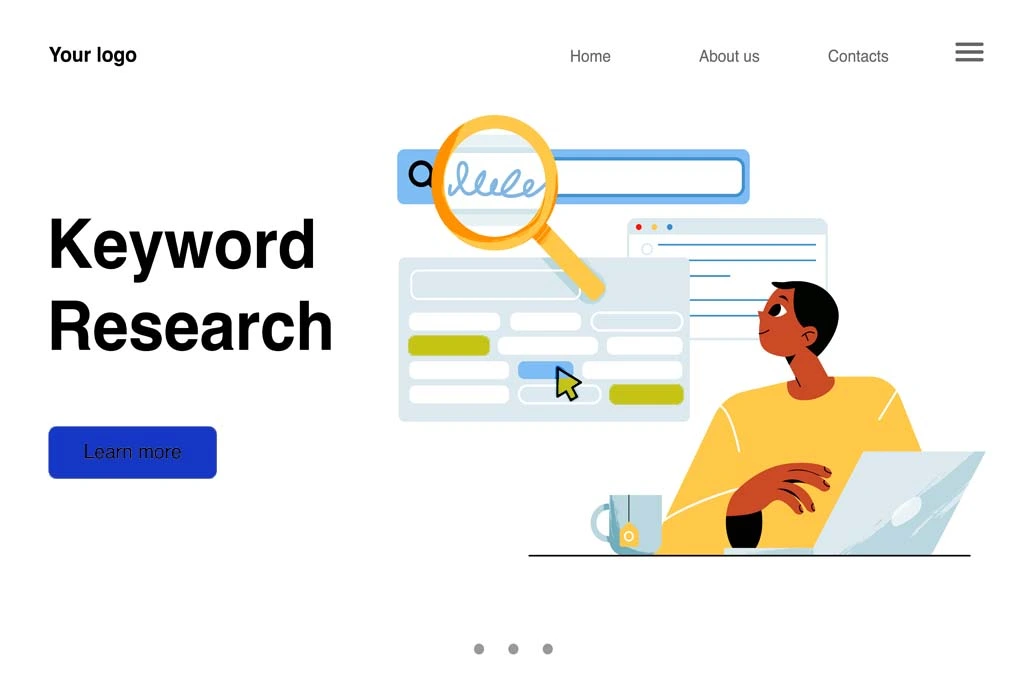
Keywords trigger your ads when users search on Google. Use Google’sKeyword Planner to research relevant terms for your business. Choose a mix of broad, phrase match, and exact match types for better control. Negative keywords are equally important—they prevent your ad from showing up for irrelevant searches, saving your budget.
7. Create Your Ads
Now it’s time to write compelling ad copy. Each text ad includes a headline (up to 3 lines), description (up to 2 lines), and display URL. Focus on what makes your offer unique, use strong calls-to-action (like “Buy Now” or “Free Quote”), and include relevant keywords to improve ad relevance. You can also create multiple versions to A/B test what works best.
8. Set Up Ad Extensions
Ad extensions increase your ad visibility and offer more value to users. Common types include site link extensions (links to other pages), call extensions (add a phone number), location extensions (display your address), and callout extensions (highlight features like “Free Shipping.
9. Review and Launch
Before launching, review all your campaign settings, targeting, keywords, and ads to make sure everything looks right. Google will show a preview of how your ads may appear. Once confirmed, click “Publish” to go live. Your ads will go through a brief review process before they start showing.
10. Monitor and Optimize Your Campaign
After your campaign is live, regularly check its performance through the Google Ads dashboard. Track metrics like impressions, clicks, click-through rate (CTR), conversions, and cost per conversion. Use this data to make informed adjustments—pause underperforming ads or keywords, increase bids for high-converting terms, and continue testing new ad copy and strategies.
Conclusion
Setting up a Google Ads campaign might seem complex at first, but by following these steps and continuously optimizing based on performance data, you can create powerful advertising campaigns that deliver strong results. The key is to start small, stay focused on your goals, and refine your approach as you gain experience. With the right setup, Google Ads can become a major driver of growth for your business.
Google Ads is an Internet-based advertising tool that enables business to connect with shoppers across Search, display, YouTube and so on. It can be efficient to gain more visibility and attract the targeted traffic.
Take advantage of such tools as Google Keyword Planner. Target highly relevant and above-intent keywords that are relevant to your audience search pattern.